
Conferences and seminars
Sound for conferences and seminars in Seville
At a conference, power isn't what matters: what matters is that every word is understood from the back row, and that a change of speaker doesn't cost three minutes of awkward silence.
- Priority
- Speech intelligibility
- Set-up
- The night before or first thing in the morning
- Technician
- Essential: always included in the proposal
- Extras
- Projection, recording and streaming
The day, hour by hour
A conference is won or lost in the first twenty minutes
Registration, the official opening, the first talk, a panel discussion, the coffee break, parallel workshops and the closing session. Each block has its own microphones and timings, and they all run back to back, with no gap to fix anything on the fly.
Opening: lectern and protocol
It usually starts with several people speaking from a lectern, followed by a group photo. You need a lectern microphone with good side rejection, a handheld channel ready in case someone doesn't want to go up, and levels already set: the opening is when the most people are still coming into the room and there's the most background noise.
Talks: the voice above all else
A speaker who moves around needs a headset or lavalier microphone; one who reads from notes needs a lectern mic. What matters is that the voice reaches the front and back rows with the same clarity. In long rooms or rooms with low ceilings you don't achieve that by turning it up, but by spreading out delayed speakers or using a short line array system that covers the room evenly. The enemy here is reverberation: if the room is very reflective, consonants get lost and people stop following the talk without knowing why.
Panel discussions: four microphones open at once
This is the trickiest situation. Four or five table microphones open at the same time multiply the risk of feedback and pick up more room noise. The solution is a digital desk and a technician who opens and closes channels depending on who's speaking, rather than leaving everything open. Add a handheld mic for audience questions: passing it around the room works better than a mic stand nobody walks up to.
Parallel workshops and closing session
When the conference splits into several rooms, each one needs its own self-contained system and, if timings have to be coordinated, a technician – or at least someone in charge with a phone. The closing session goes back to the same set-up as the opening.
What gets set up
A typical conference room set-up
| Capacity | Sound | Image |
|---|---|---|
| Room for up to 80 people | Two speakers on stands, compact desk, lectern microphone and a handheld | Projector and tripod screen |
| Room for 80 to 300 | System spread across four points, digital desk, headset mic, lectern, four table mics and wireless mics for the floor | Large-format projection or LED screen |
| Auditorium for over 300 | Short line array or distributed system with delays, digital desk with stagebox and confidence monitor | Multi-camera live video production and streaming |
| Several rooms in parallel | A self-contained system per room, with independent microphones and coordinated frequencies | Video feed per room and individual recording |
What to plan for
Coordination with the hotel or conference centre
Half the work on a conference happens before the first delegate arrives – and it almost always involves talking to the venue.
- Access and set-up times. Many hotels only allow set-up the night before or in the early hours, because the room is in use until late. That shapes everything else.
- What equipment the room already has. Some venues include a fixed PA, a screen or a projector. It's worth knowing what's there so nothing is duplicated, and to check whether it's up to the job: an announcement PA is not a conference sound system.
- Radio frequencies. In a venue with several rooms and several suppliers, wireless frequencies need to be coordinated so nobody interferes with anyone else. Even more so if the conference uses simultaneous interpretation equipment.
- Electrical power and distribution boards. Where the sockets are, what they're rated at and whether they have to be shared with catering or room lighting.
- Recording and broadcast. If the event is going to be recorded or streamed, a clean feed needs to come from the desk from the start – not an ambient mic improvised at the end.
- Speakers' presentations. Collecting them in advance and testing them on the laptop that will actually be used avoids the classic video with no sound or the font that goes haywire.
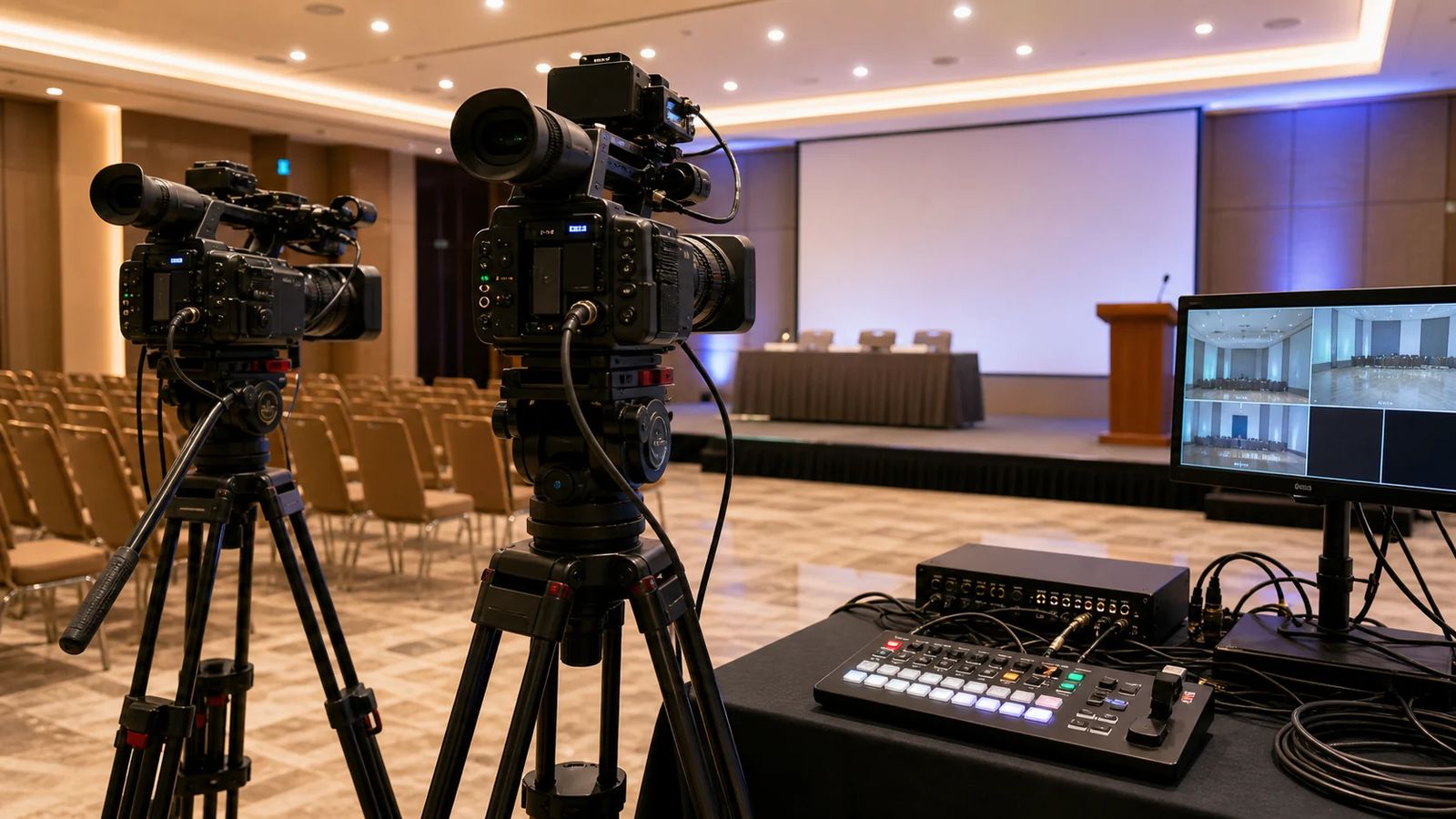
Visuals are handled in parallel: projectors, projection screens, LED screens when there's a lot of ambient light, and confidence monitors so the speaker can see their own slide without turning round. If the conference is broadcast, streaming and multi-camera live video production come into play.
Service
A technician all day, not just for set-up
Someone at the controls from start to finish
At a conference the technician isn't an extra: they're the one who opens and closes mics, balances very different voices and handles a change of speaker in ten seconds.
A spare microphone always ready
A charged bodypack plus a backup, fresh batteries every half-day and a handheld mic ready on the desk in case anything fails live.
Sound check with the actual speakers
Ten minutes before the start, with the people who are going to speak. A deep voice and a very soft voice aren't set up the same way.
A clean feed for recording
A separate output from the desk for recording or streaming, with controlled levels and without the room noise of an ambient mic.
A silent room between sessions
No feedback and no mic thumps during the breaks. Channels are closed when they're not in use.
Unobtrusive take-down
If the venue has another event afterwards, we pack up within the window agreed with the hotel.
Related events
Other corporate formats
Many conferences come with a dinner, an awards ceremony or a press conference on the same day.
How many rooms and how many speakers?
Send us the conference programme and we'll come back with a proposal covering microphones, projection and technician hours.
Frequently asked questions
Common questions from organisers
The hotel room already has sound. Do I need to rent anything?
It depends what for. The fixed PA in many rooms is designed for announcements, not for two hours of talks with audience questions. If there's a panel discussion, recording or more than one microphone in use at once, you'll almost always need a dedicated system with a desk and a technician.
How many microphones does a panel discussion need?
The norm is one for every two panellists if they're sitting close together, or one per person if they're spread out, plus a handheld for the audience and a spare. With more than four channels open, a digital desk and someone to run it are advisable.
Can you record the talks?
Yes. We take a direct feed from the desk, which sounds far better than recording with the camera. If you also want to broadcast it, we set it up with streaming and, if there are several cameras, live video production.
When do you set up if the room is booked until the night before?
We set up overnight or first thing in the morning, depending on what the venue allows. We agree this with the hotel or conference centre before the date and put it in writing in the quote, so nobody turns up to a locked door.
What if a speaker turns up with their own presentation at the last minute?
It gets loaded onto the control laptop, which always has a slot ready. That's why we work with a single room computer instead of swapping laptops between talks: every source change risks losing the picture.
Can you invoice a university or public body?
Yes. We're a registered company and we issue invoices with all the details the organisation requires, including any preliminary quotes needed for their procurement file.
Quote
Tell us about your conference
Dates, venue, number of rooms, capacity and whether there's recording or broadcasting. With the programme in hand, we can wrap it up quickly.
How it looks
Set-ups for this type of event
Examples of the equipment and set-up an event like yours usually needs.
