
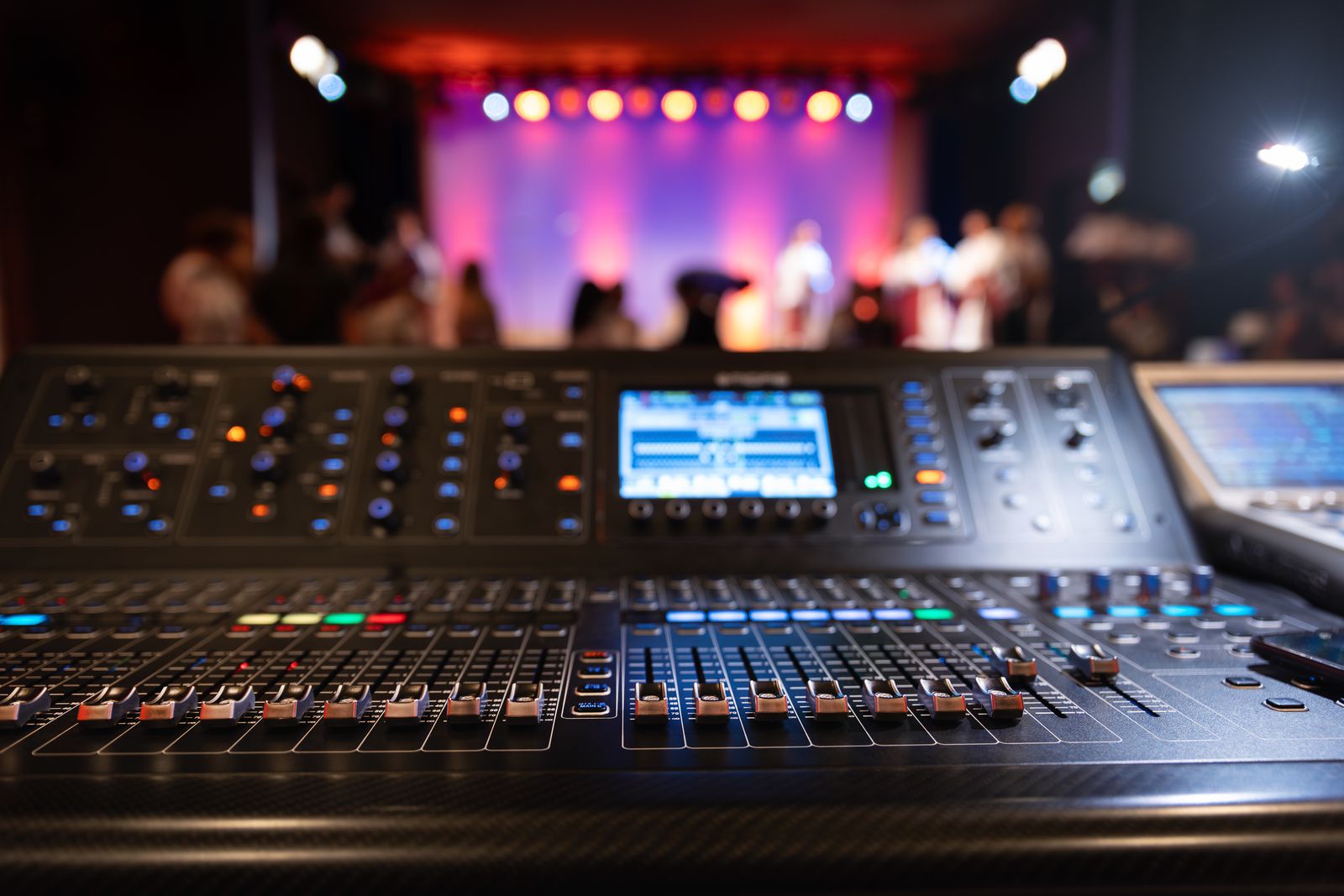
Sound control
Mixing desks and sound consoles for rent
From a four-channel mixer for one mic and two speakers to a digital console with scenes, stagebox and multitrack recording. Analogue, digital and DJ mixers.
- Formats
- Analogue and digital
- Channels
- From 4 to 32
- Extras
- Stagebox and Dante
- Technician
- Quoted separately
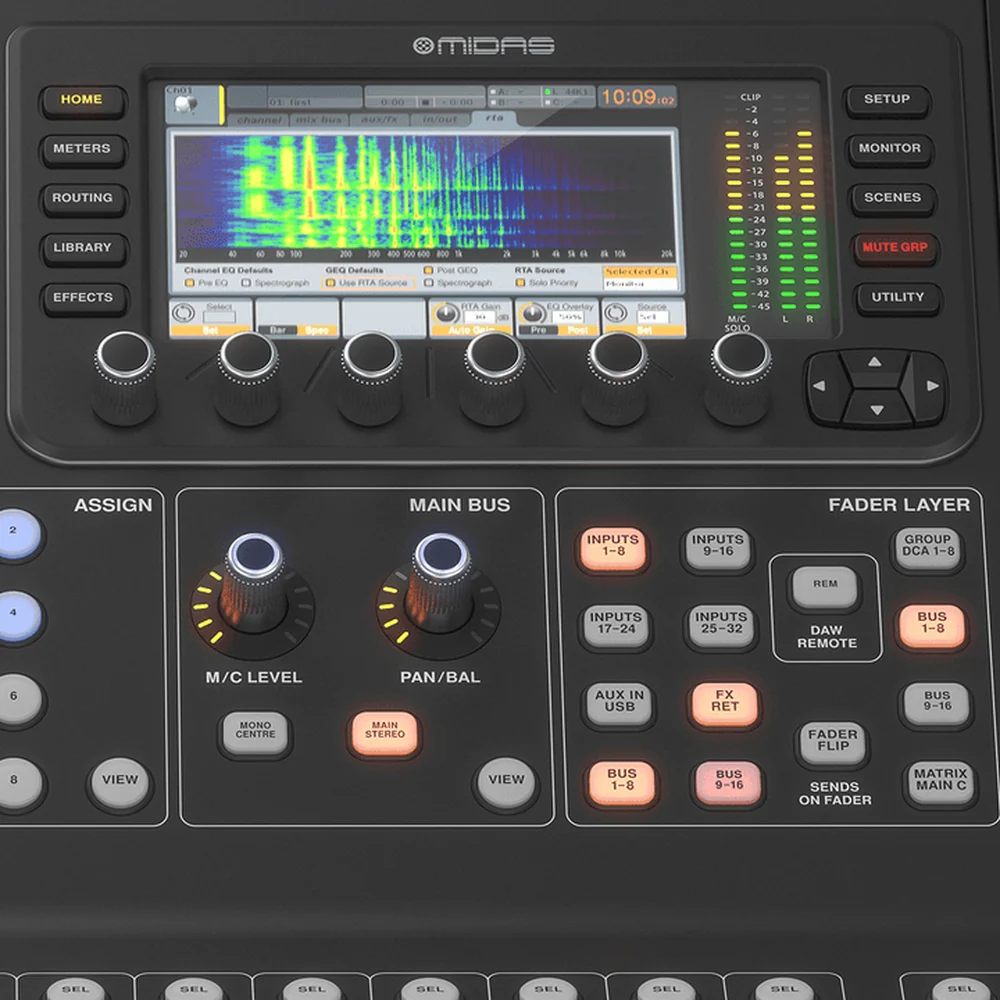
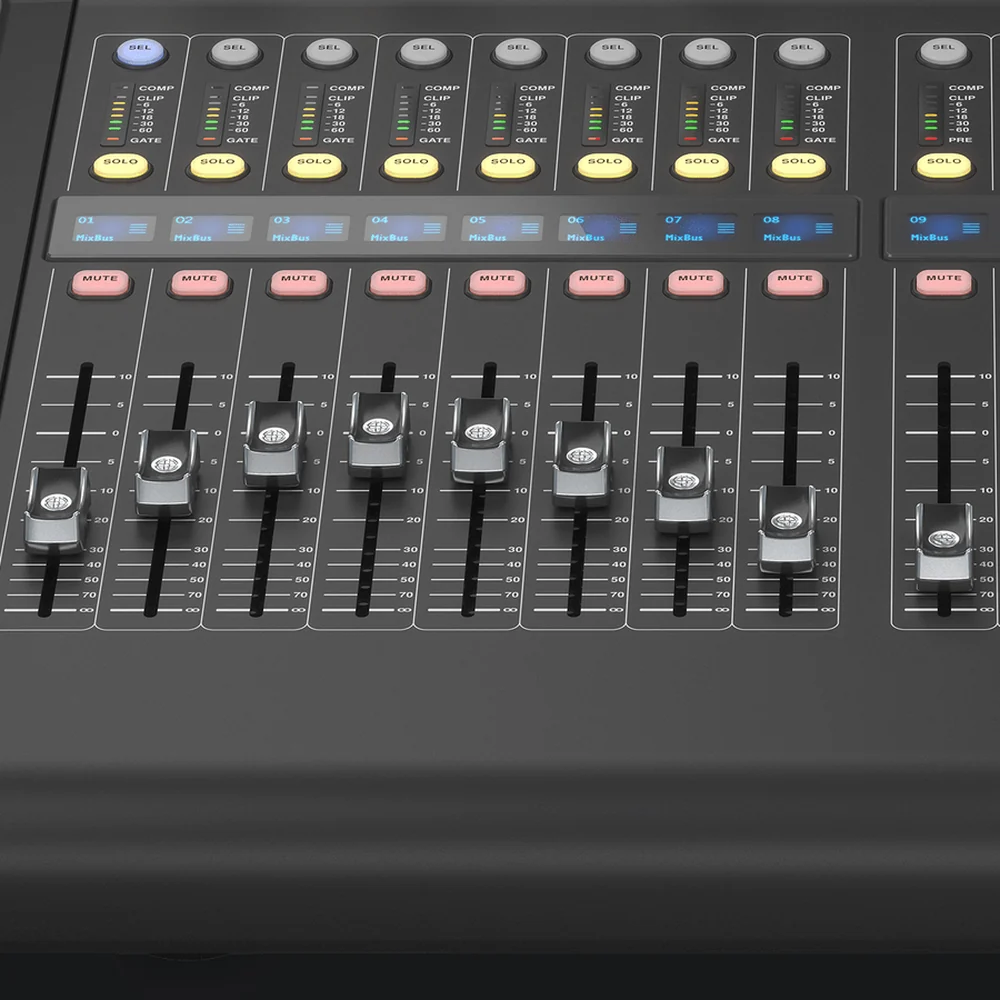
 The M32R LIVE in detail
The desk that runs the stage, rent it in Seville
Saved scenes, 16 mic inputs and a stagebox output so every performance sounds just as good. Explore the Midas M32R LIVE inside and out and book it for your date.
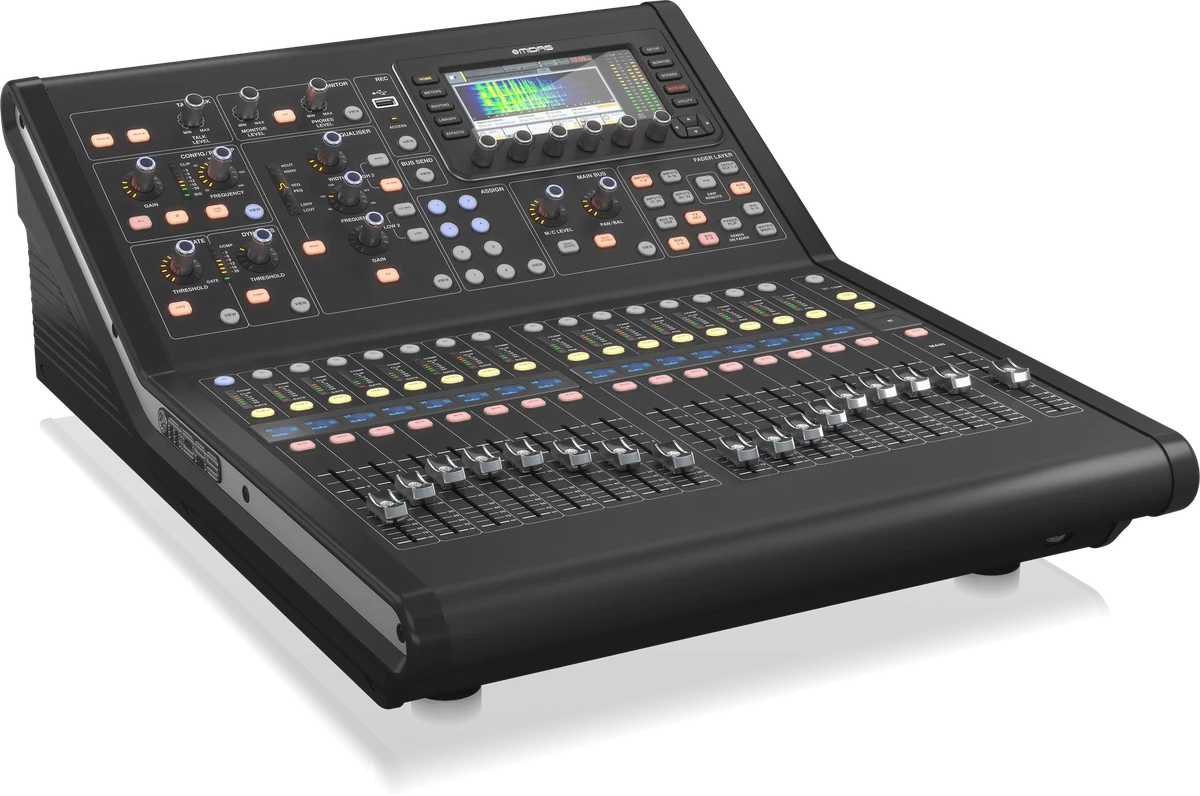
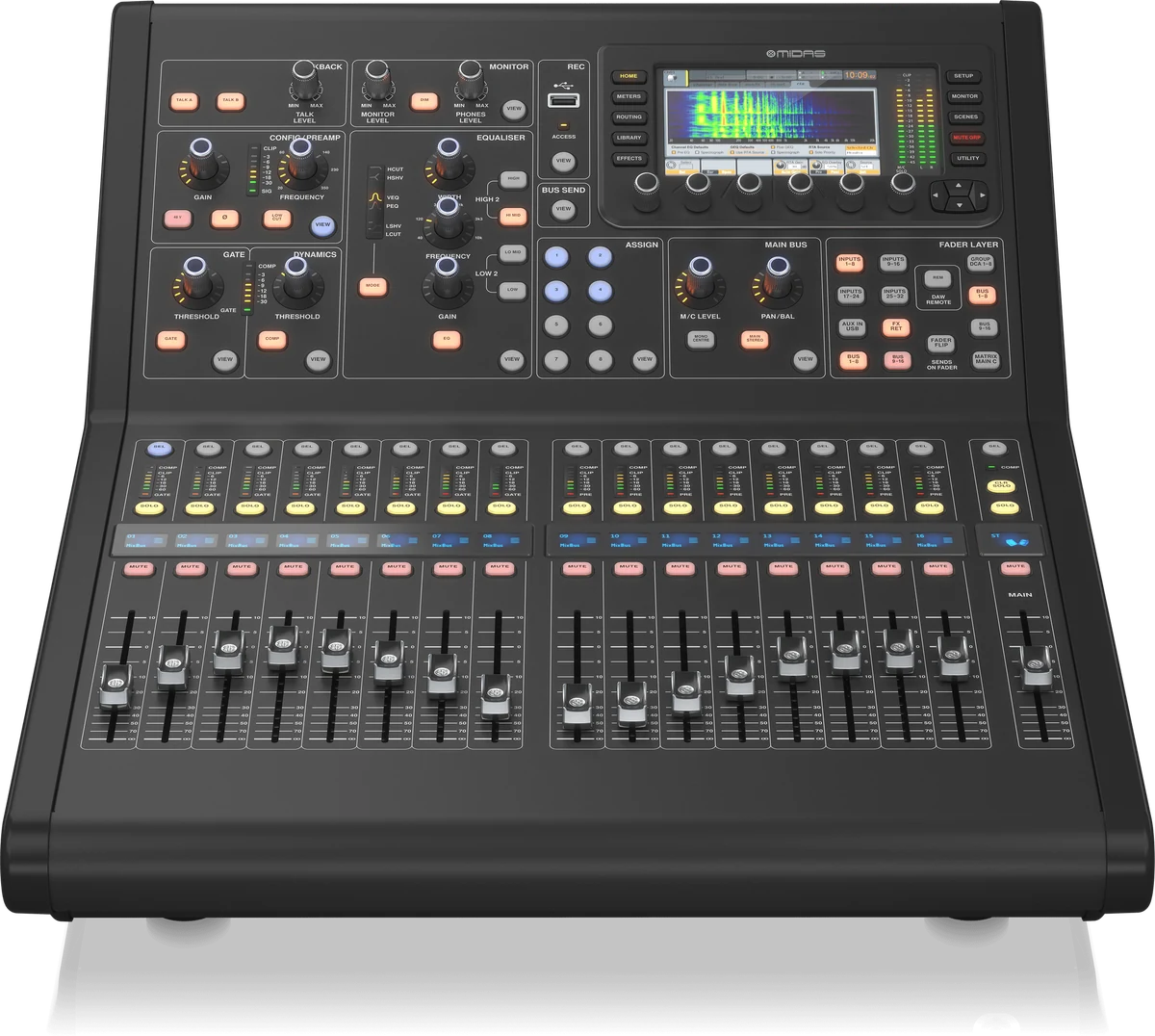
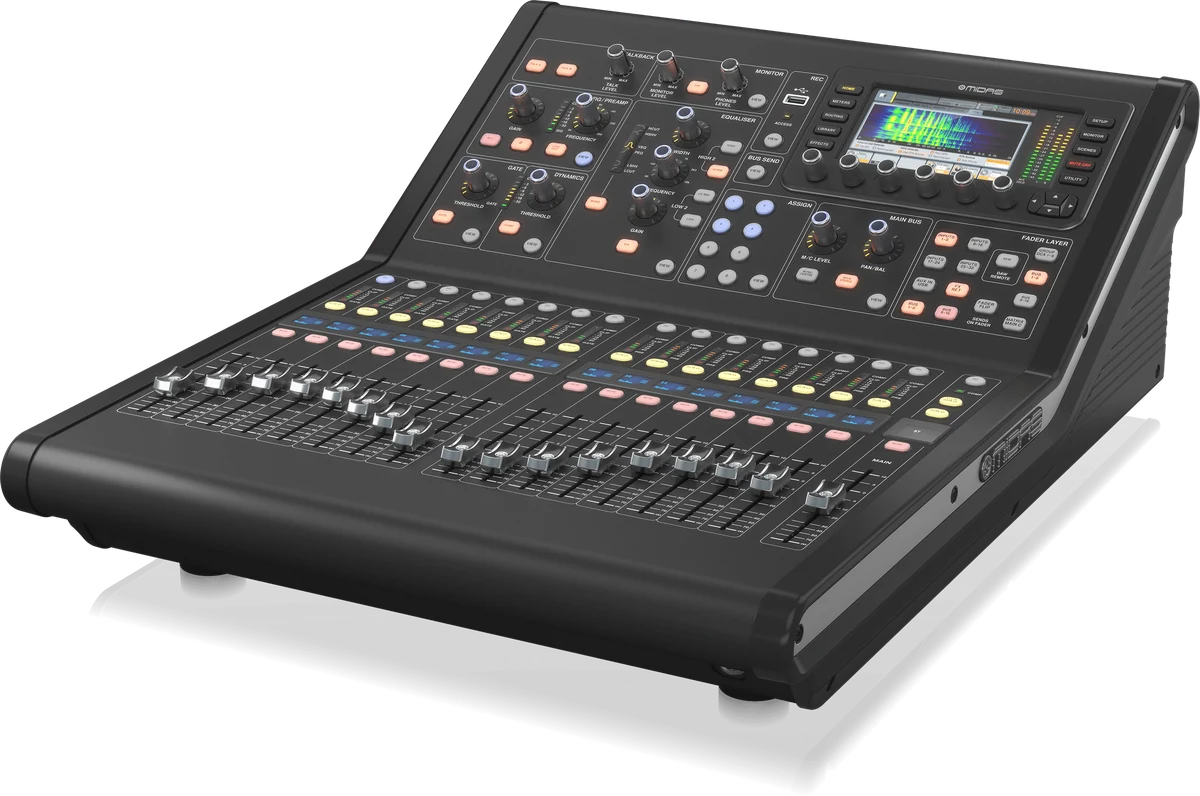
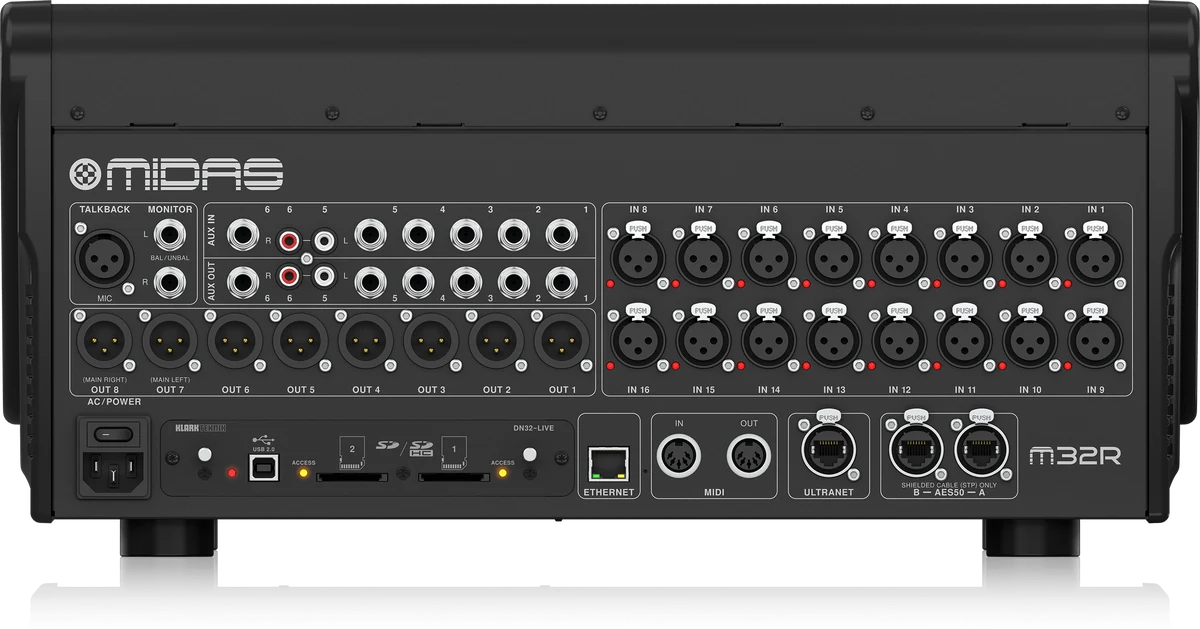
Swipe to rotate · tap the image to enlarge
What a mixing desk does
The desk is where the sound of the event is decided
Speakers reproduce whatever they're fed. What they're fed is decided at the desk: which sources come in, at what level, with what EQ and where they're sent.
We have a wide range of professional mixing desks and audio consoles for events, concerts, conferences and live productions, from compact models for small events to consoles with plenty of inputs and onboard processing for large productions. Whether you need a simple mixer for one microphone and two speakers or a digital console with multichannel mixing, multitrack recording and in-ear monitor integration, there's an option to suit.
How many channels you really need
Count sources, not people. A speaker with a microphone and a laptop is three channels. A DJ with a booth and two wireless mics, four or five. A five-piece band with a miked-up drum kit easily reaches sixteen or more. Leave two or three spare channels: there's always a source nobody mentioned, like the tribute video, a cousin's guitar or the MC's second microphone.
What we offer
Types of mixing desk and what each one is for
Analogue
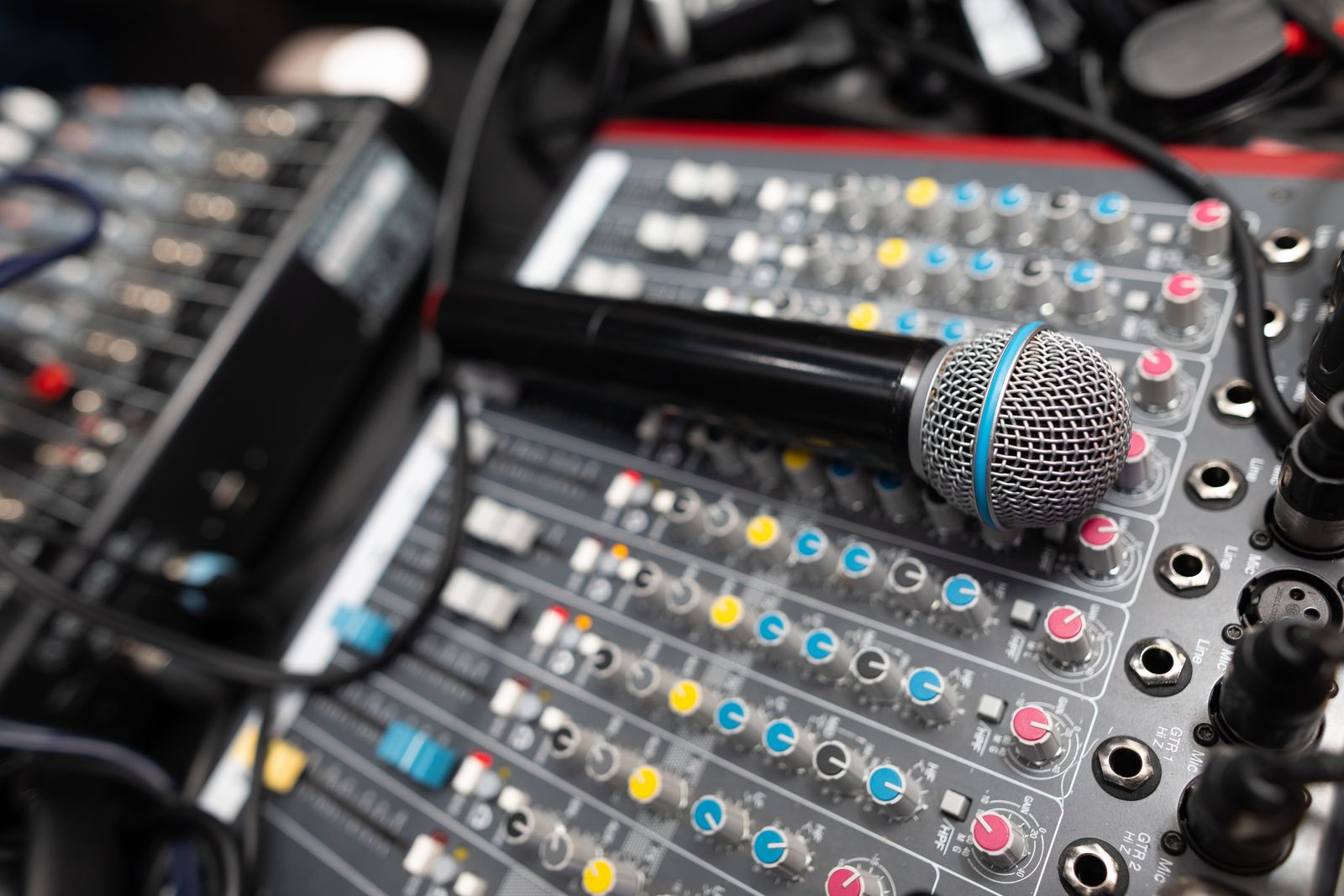
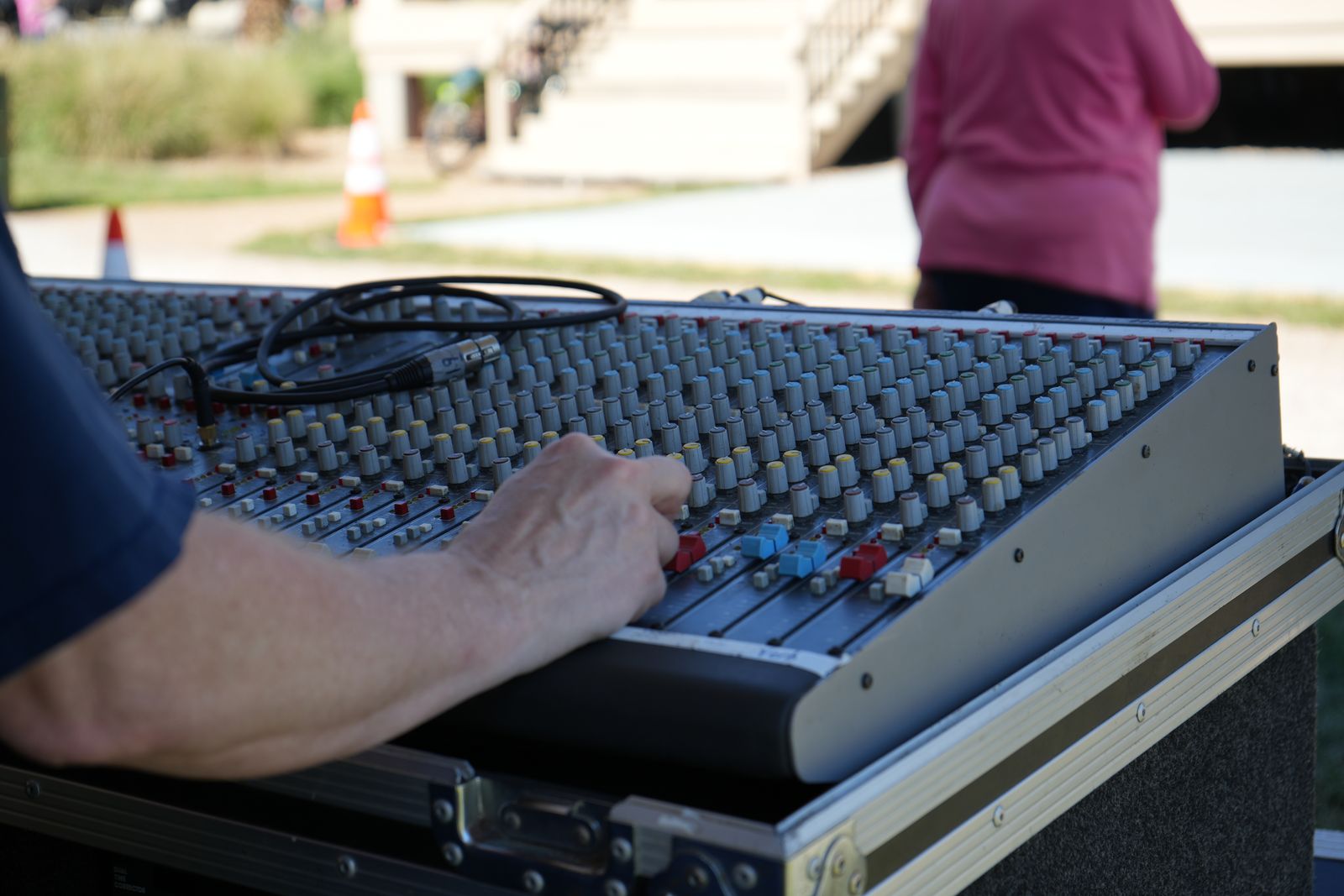
Analogue mixing desks
Fast, intuitive and easy to use: every function has its own knob and you can see everything at a glance. Perfect for small and medium events and when someone without experience will be operating it. Brands such as Yamaha, Soundcraft and Allen & Heath.
Digital
Professional digital consoles
Full control with onboard processing: per-channel EQ and dynamics, effects, preset scenes, recording and remote control from a tablet. Models such as the Behringer X32 or Midas M32R and higher-end Yamaha or Allen & Heath consoles.
DJ
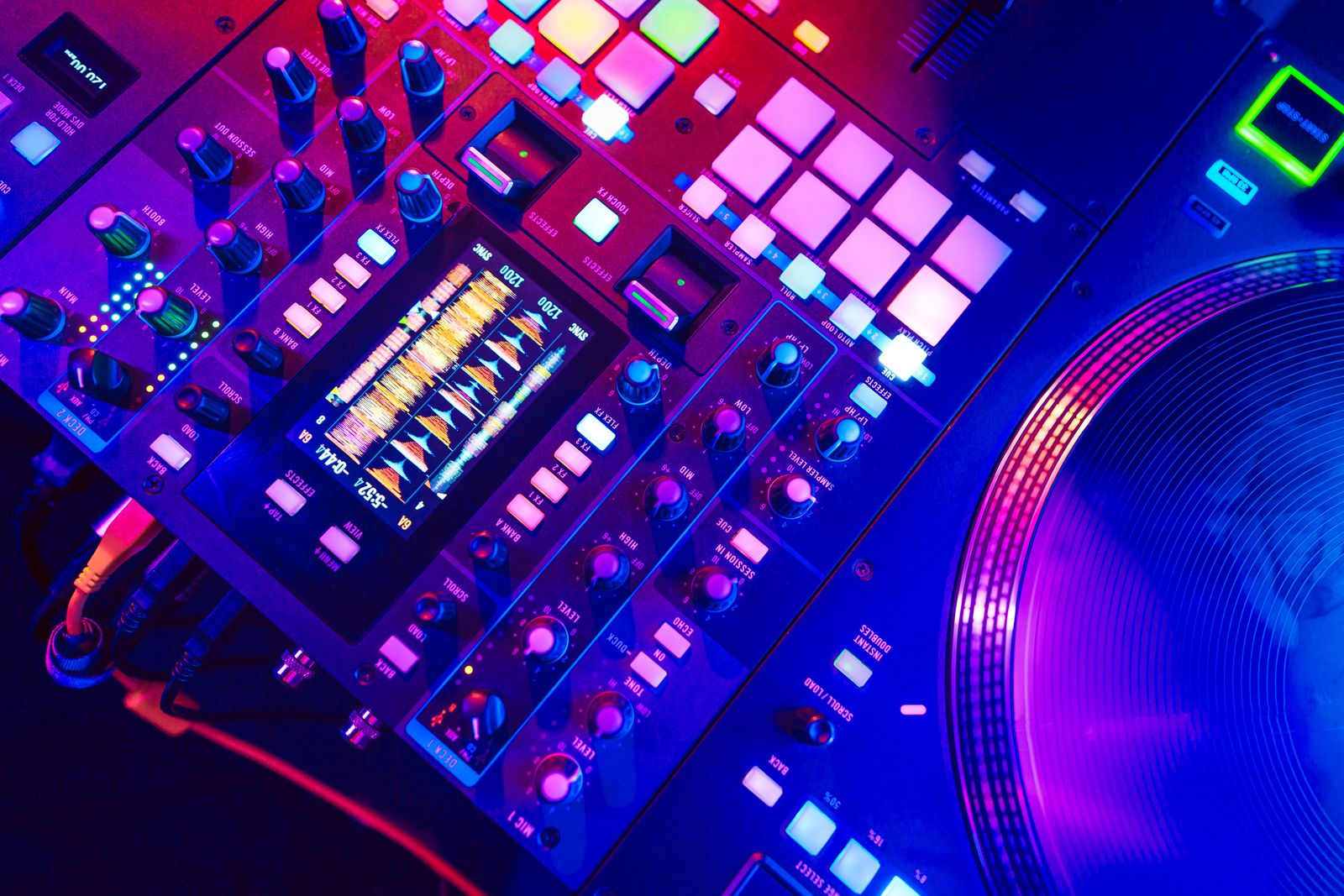
DJ mixers and music event desks
Club mixers and professional controllers, with the filters, effects and inputs a DJ expects. Quoted as part of the DJ booth or separately.
Accessories
Stagebox, Dante and racks
Cabling, racks, flight cases and expansion cards. Digital stagebox and Dante networking to carry lots of channels to the stage over a single network cable instead of a huge multicore.
Analogue or digital
Which suits you, without dogma
Choose analogue if the event is simple, the person operating it isn't a technician and the configuration doesn't need to change during the event. An eight-channel analogue mixer makes sense just by looking at it: there are no menus or hidden layers, which rules out anyone getting lost trying to find the microphone volume.
Choose digital when there are lots of channels, when the event has distinct parts (ceremony, presentation, performance) that can be saved as scenes and recalled at the touch of a button, when you need per-channel processing to fight feedback, or when you want multitrack recordings to edit later. The other big advantage: it can be controlled from a tablet, so the technician can make adjustments from the back of the venue, hearing what the audience hears.
Stagebox and Dante: what they're for
When the stage is far from the mixing position, the classic alternative is a multicore snake tens of metres long: heavy, expensive and fragile. A digital stagebox puts the inputs on stage and sends them to the desk over a network cable, using a Dante network if audio needs to be shared between several systems (front-of-house console, monitor console, recording, streaming). Less weight, less electrical noise and much cleaner set-ups.
A common mistake
Renting a powerful console without thinking about who's going to operate it. A 32-channel digital desk in the hands of someone seeing it for the first time is worse than an eight-channel analogue one. If nobody on your team knows it, either we leave the configuration set and locked, or it comes with a technician.
Which events
Where each type of console is used
Conferences and presentations
Several microphones, a presentation laptop and music. Scenes for each block of the programme. See conference sound.
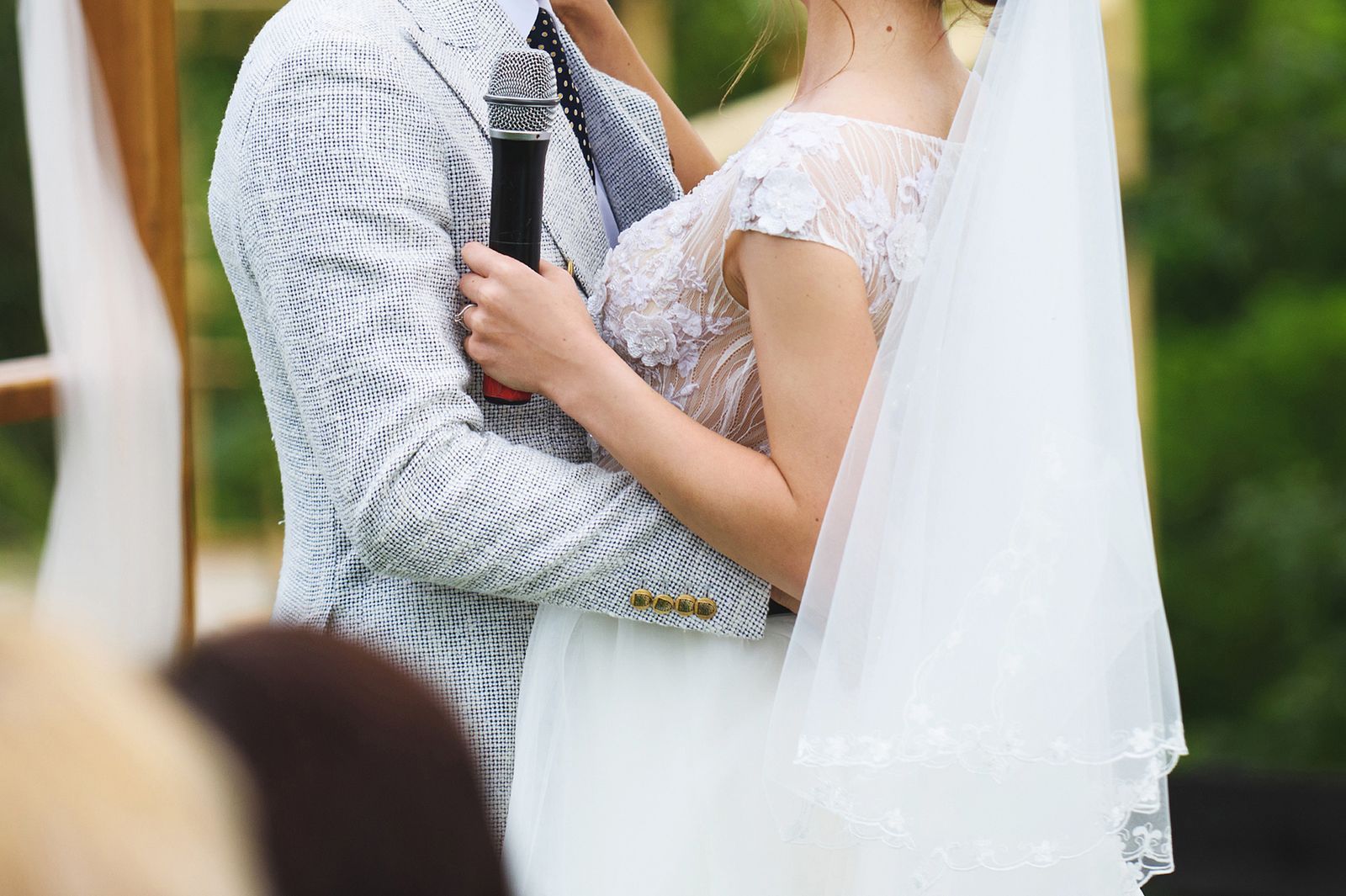
Weddings and social events
Ceremony, drinks reception and dancing on the same desk with three saved configurations. See wedding sound.
Concerts and performances
Lots of channels, monitor sends and front-of-house control. See concert sound.
Streaming and hybrid events
A clean feed to the video director, without room PA or overwhelming applause.
Theatre, fairs and shows
Quick changes between scenes and fine level control so you don't spill into the space next door.
Festivals and AV productions
Front-of-house console, monitor console and a networked shared stagebox, with fast changeovers between bands.
Technical service
Set-up, configuration and operator
You can rent just the desk or the full service. What we don't do is hand over a complex console without configuring it.
Every desk comes with the necessary cabling, adapters and a rack if needed, and we configure it for your specific event: named channels, gains set, a starting EQ and scenes prepared if it's digital. From there, you decide whether someone on your team operates it or we provide a sound operator for the event.
We also advise beforehand: tell us what sources there will be and we'll tell you the smallest desk that covers them comfortably. People often ask for more console than they need, and they also often forget half the sources when counting them.
Frequently asked questions
Questions about mixing desks and consoles
How many channels do I need?
Count every source: each microphone, each laptop, each instrument, each player. Add two or three spare. If you get eight, a twelve-channel desk gives you peace of mind; if you go over sixteen, it's time for a digital one.
Can I operate it myself?
A small analogue one, yes, no problem: we'll set it up for you and explain the four controls you'll be using. A large digital console isn't realistic for someone without experience unless we lock it to a single scene.
Does it include cabling and a snake?
Yes, cabling is included according to the set-up. If the mixing position is far from the stage, we use a multicore or a digital stagebox, depending on the distance and number of channels.
Can the event be recorded from the desk?
With digital consoles, yes: stereo or multitrack recording for editing later. Very useful for conferences, presentations and live shows that will be published afterwards.
Do you work with Dante networking?
Yes, with a digital stagebox and Dante when the set-up calls for it: distant stages, several consoles sharing inputs, or audio feeds to video production and streaming.
What if the event is in a town elsewhere in the province?
No problem, we cover the whole province. Check your town under service areas.
Equipment
The equipment, set up and cabled
This is the equipment this page talks about, and how it looks once it is set up.
Which mixing desk does your event need?
Tell us how many microphones, instruments and playback sources there will be and we'll propose the right console.
