
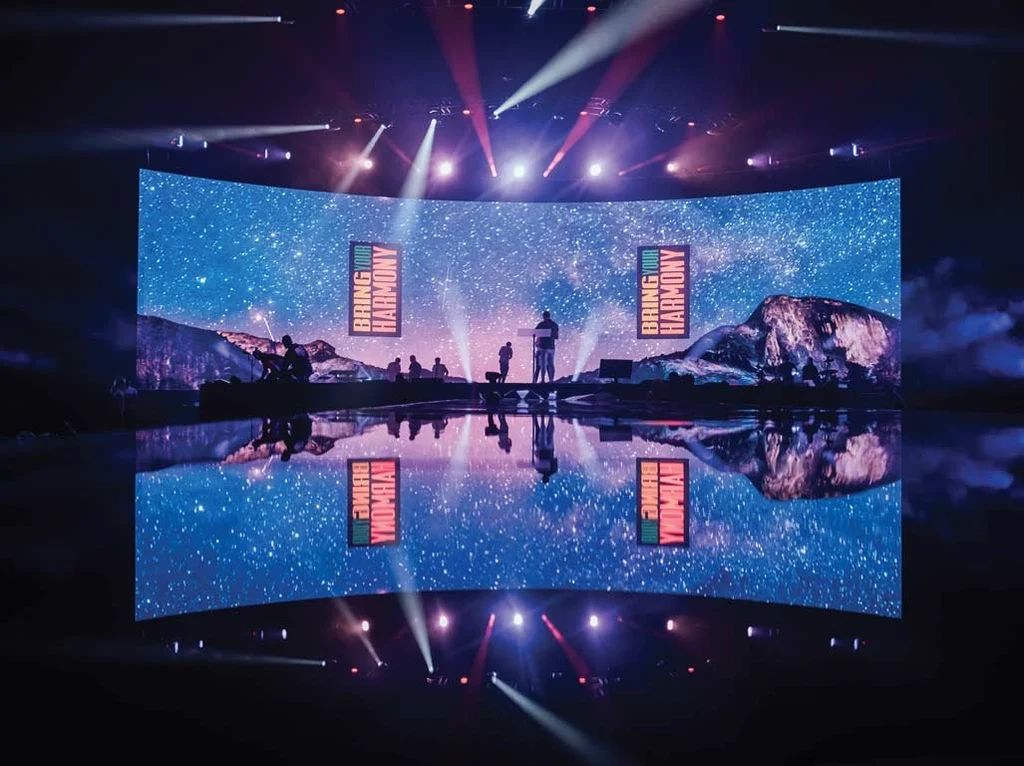
Video · Screens · Streaming
Audiovisual (AV) rental for events in Seville
Screens, projectors, monitors, cameras and streaming. We choose the format based on the venue and the available light, not on a catalogue, and we set it up together with the sound and lighting for the same event.
- Surfaces
- LED, projection and monitors
- Production
- Multi-camera live production
- Broadcast
- Streaming and recording
- Set-up
- Included
- Area
- Seville and province
What an audiovisual set-up is
A surface, a signal and someone who decides what is shown
Every video set-up comes down to three pieces. A surface where the image appears, a signal that reaches it without dropping out, and a person who decides what is shown at each moment. When an event looks bad, it is almost always the second or third piece that has failed, not the first.
The surface: where the image is seen
There are three ways to put an image in front of an audience, and they are not interchangeable. An LED screen emits its own light: it is visible in midday sun and can be built to whatever size is needed because it is modular. A projector throws light onto a surface and depends entirely on the ambient light in the room, but it delivers large sizes for much less money. TVs and monitors are the option for short viewing distances: stands, receptions, breakout rooms and signage.
The signal: where what you see comes from
A presentation comes from a laptop, a video from a media player, and a shot of the speaker from a camera. When there is more than one source, someone has to decide which one goes on screen: that is live video production. If that programme is also sent outside the venue, we are talking about streaming. And if the audience speaks several languages, the audio is distributed separately with simultaneous interpretation equipment.
Who runs it
Anyone can switch on a projector and a laptop. An event with three speakers, two videos, a camera and an LED screen needs someone sitting at the vision mixer all day. As soon as there are more than two image sources, the technician stops being an extra and becomes part of the set-up.
Display surfaces
Four ways to put images in front of your event
It isn't a matter of taste: it is dictated by the light at the venue, the distance to the furthest viewer and the set-up time you are given.
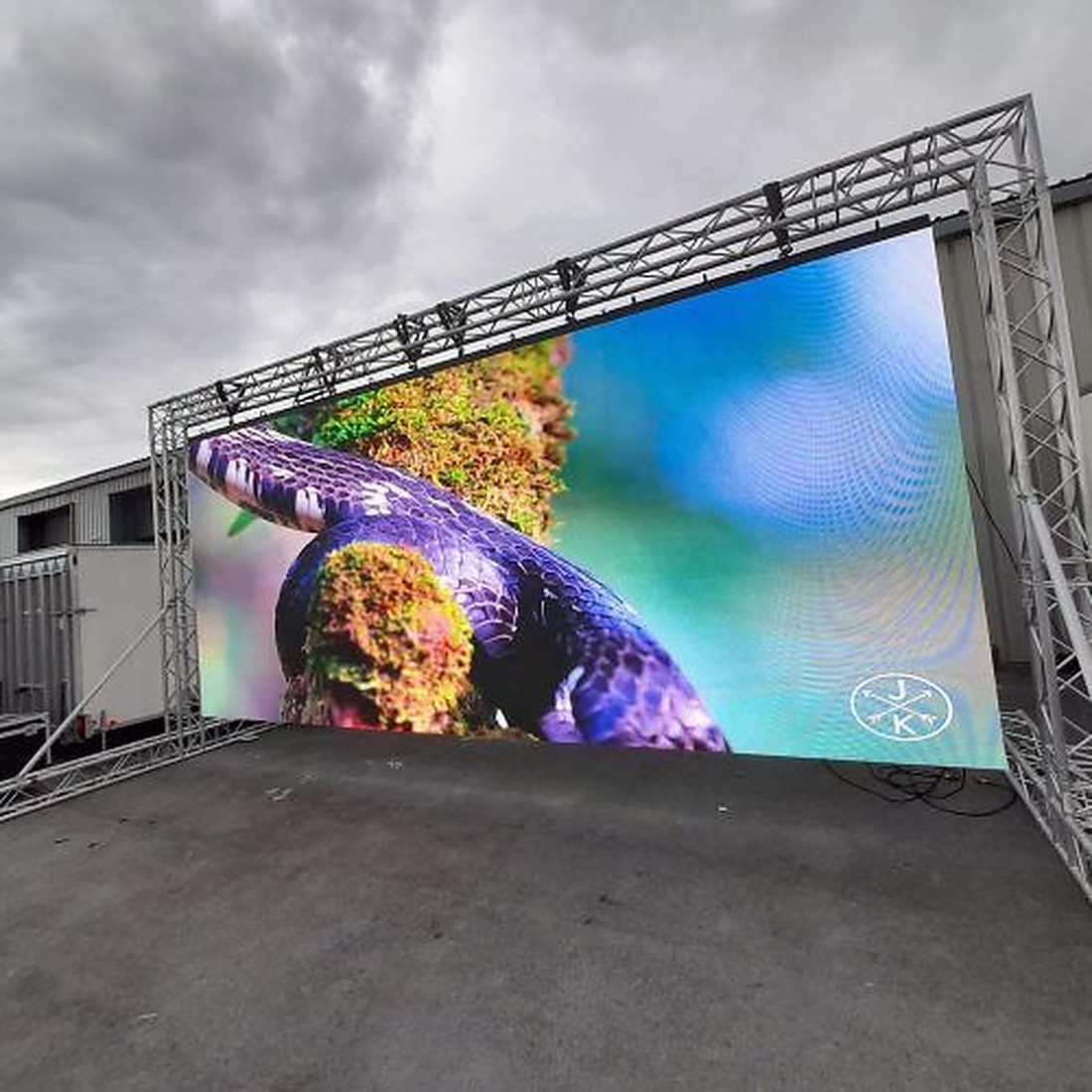
01 / LED
LED screens
Self-illuminated images, visible in full sun. Modular, so you decide the size.
View details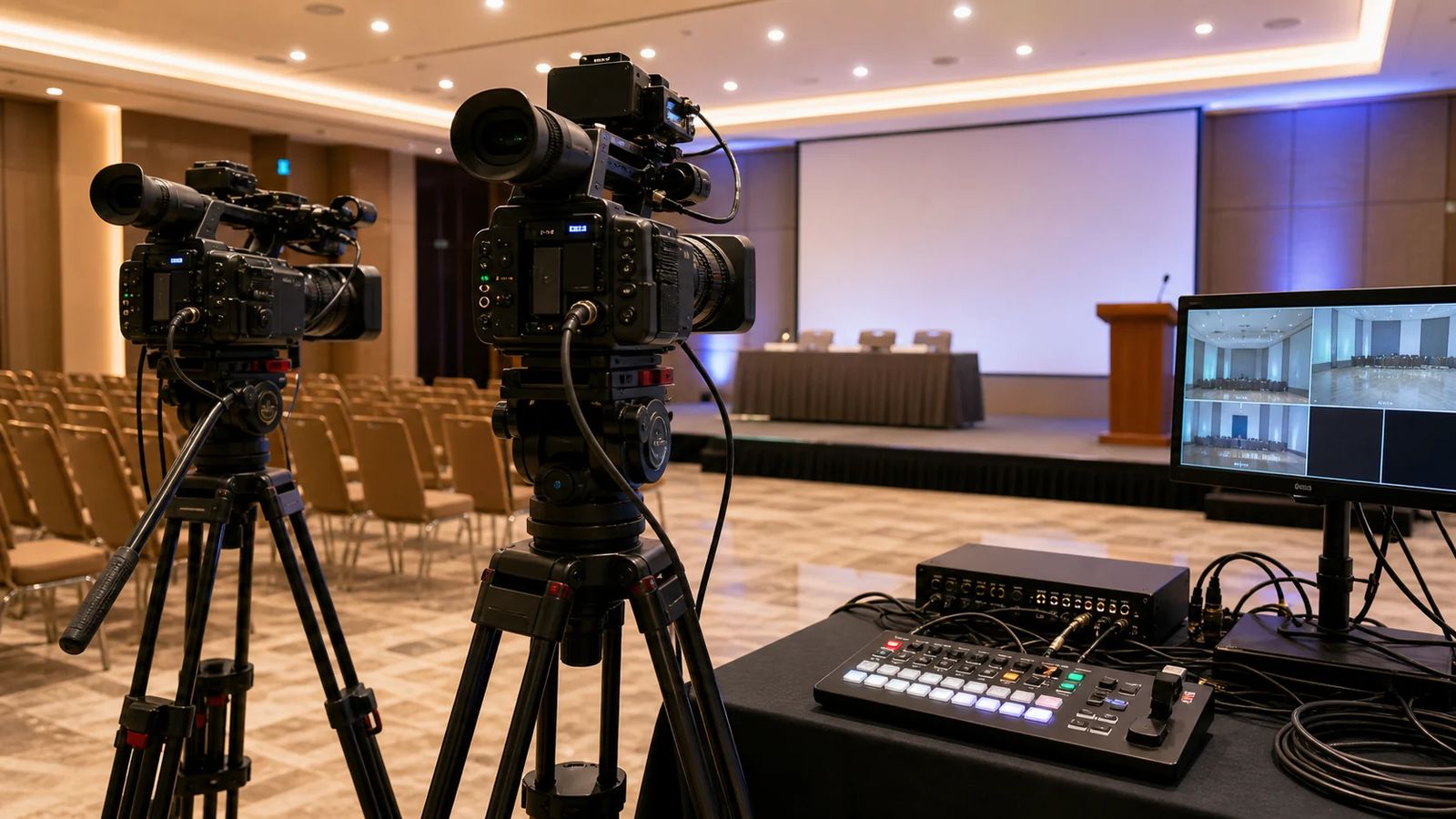
02 / Projection
Projectors
Affordable large format indoors with controlled lighting. The key is lumens and the lens.
View details
03 / Screen
Projection screens
Tripod, tensioned frame or rear projection. The surface the projector works on.
View details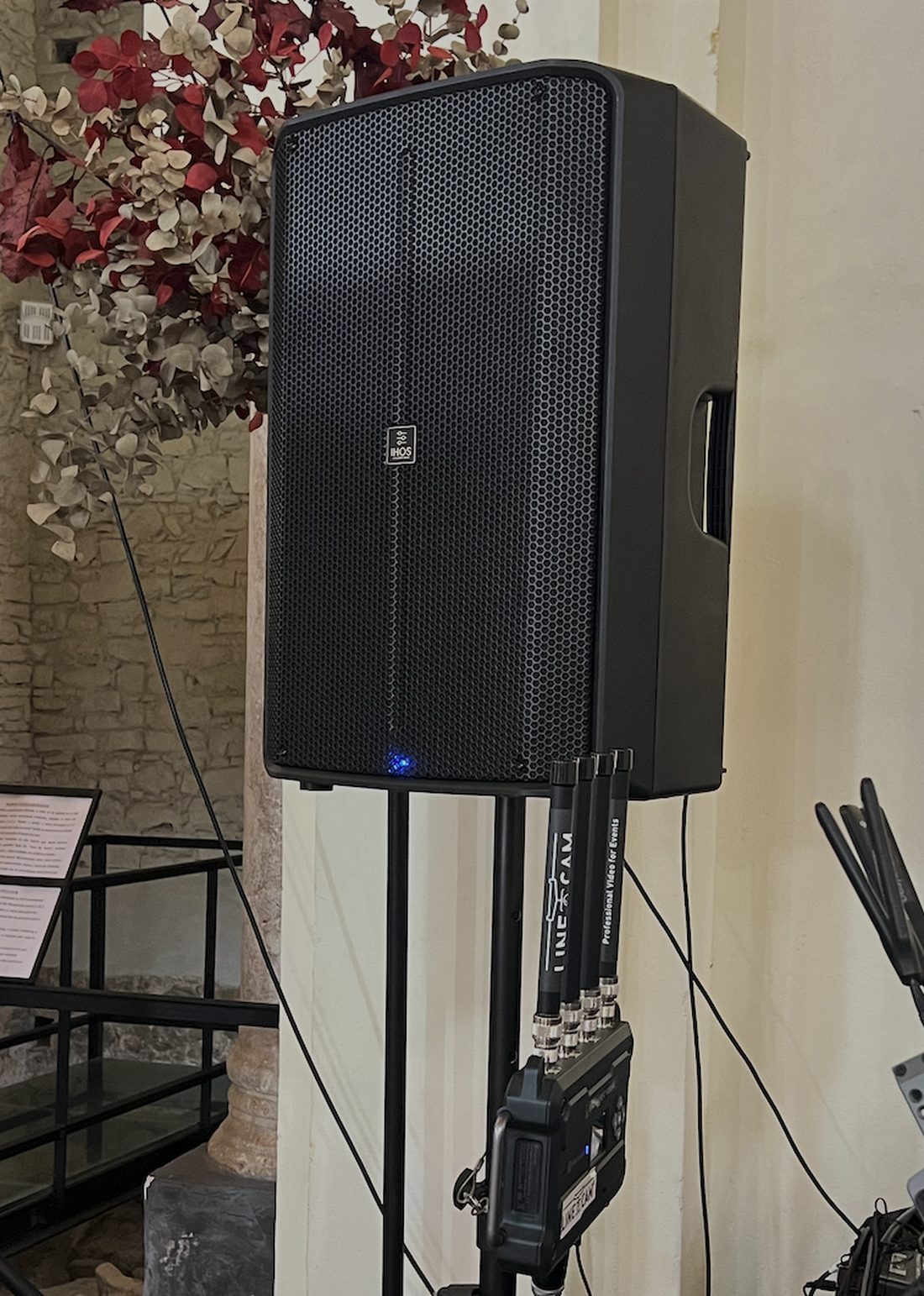
04 / Monitors
TVs and monitors
From 43" to 86" on floor stands. Stands, receptions, breakout rooms and signage.
View details
Production
Cameras, streaming and languages
Putting up the screen is half the job. The other half is filling it with live content and making sure that content also reaches people who aren't in the room.
05 / Cameras
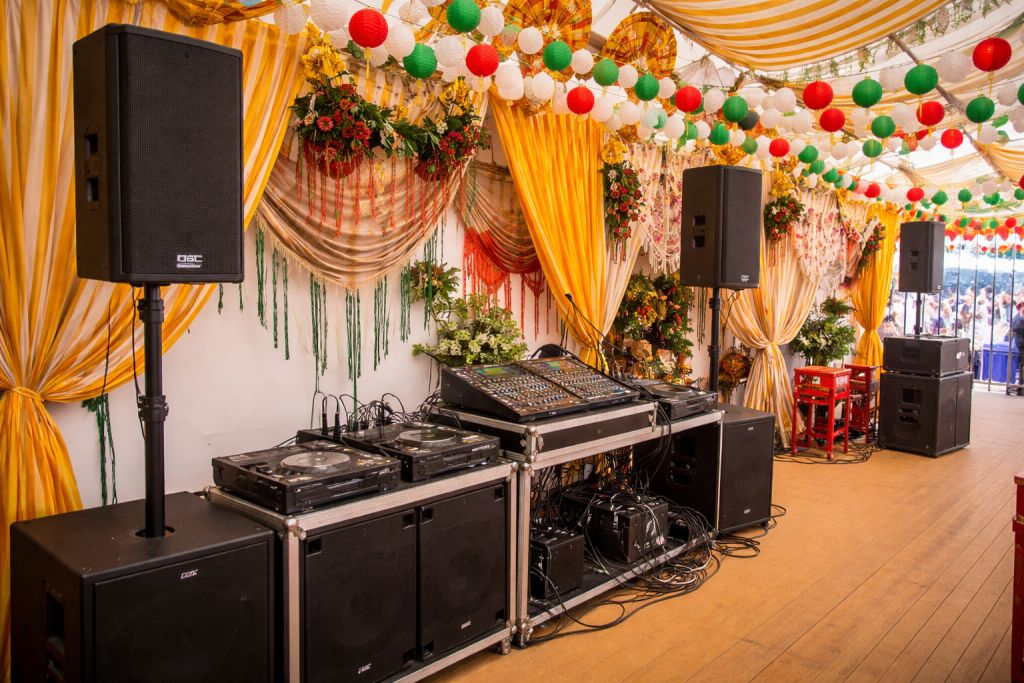
Multi-camera live production
Two, three or four cameras, ATEM vision mixer, on-screen captions and separate recording of each camera.
View details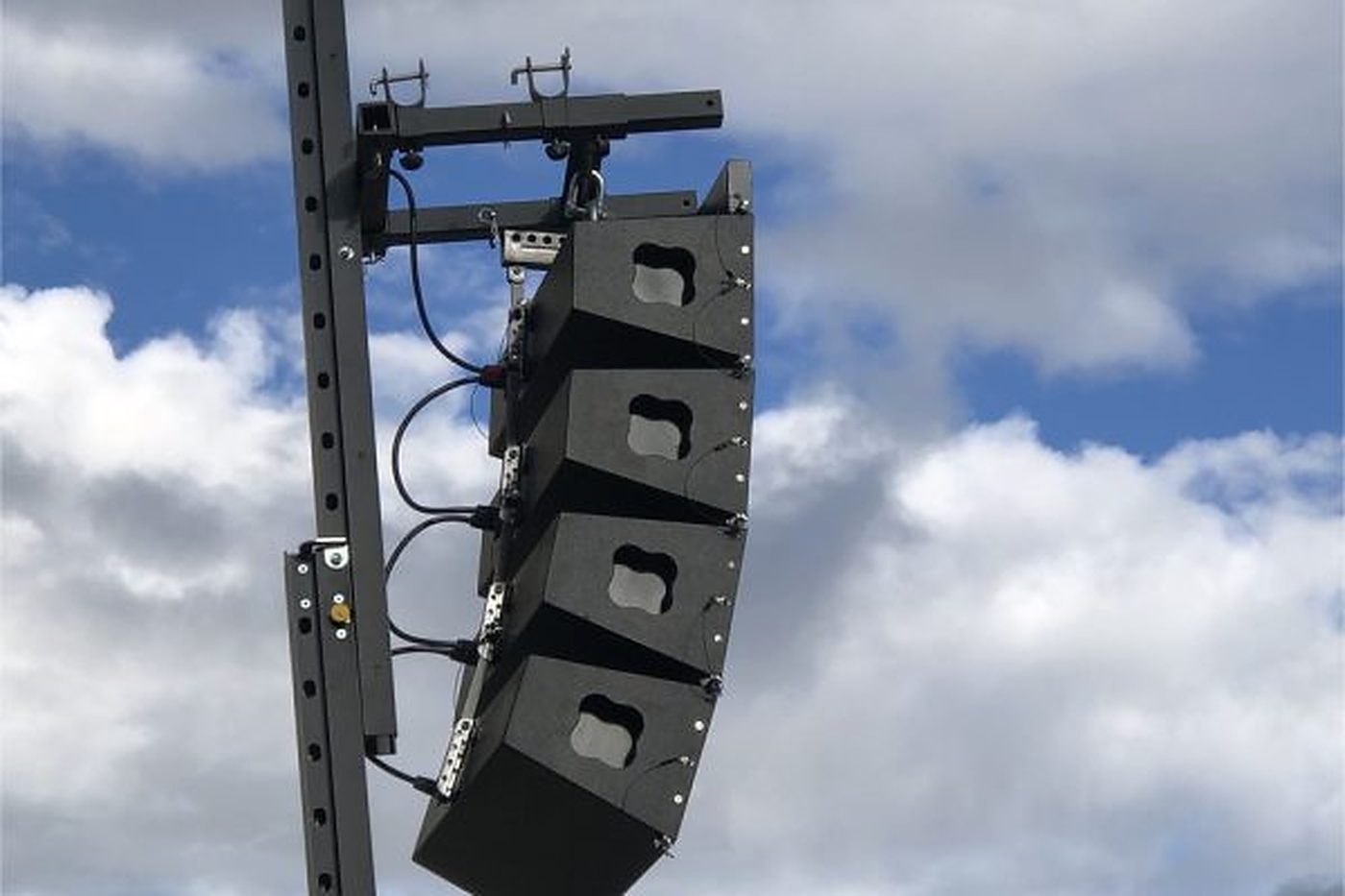
06 / Broadcast
Event streaming
The finished programme feed goes out to YouTube, a private platform or a website with registration.
View details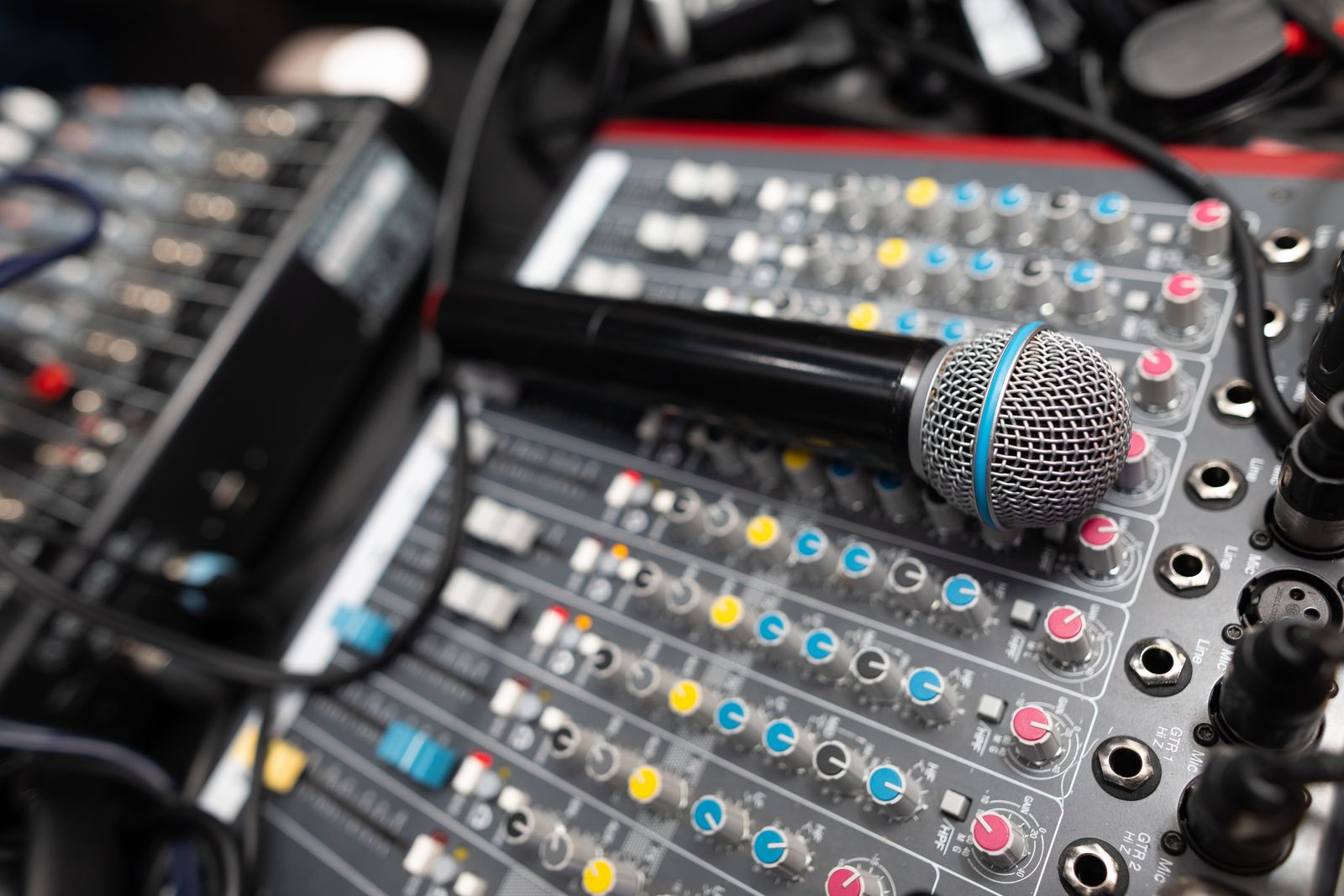
07 / Languages
Simultaneous interpretation
Soundproof booths, interpreter consoles and receivers with headphones for the audience.
View details
How to choose
LED or projection: the decision is made by looking at the light
This table answers 90% of questions. If your situation is in the left-hand column, you already know which way the quote will go.
| Situation | What we recommend | Why |
|---|---|---|
| High ambient light or outdoors in daylight | LED screen | The projector gets washed out and the image disappears |
| Room that can be blacked out, with curtains or no windows | Projection | Much more affordable for the same size |
| Image wider than 6 m | LED screen or dual projection | Depends on the ceiling and the available throw distance |
| Audience less than 3 m from the image | Monitor or fine-pitch LED | Up close, you can see the pixels on wide-pitch LED |
| Set-up in under two hours | Projection or monitors | LED needs a structure and module alignment |
| Multi-day outdoor event | LED screen | Withstands sun, humidity and continuous operation |
Common mistakes
What gets forgotten and then shows
Ordering a screen but not the content. An empty screen draws more attention than no screen at all. Before deciding on the size, it is worth knowing what will be shown: a presentation, a corporate video, a live shot of the stage or a mix of all three.
Not checking the aspect ratio. If the marketing team prepares the slides in 16:9 and the screen is 4:3, black bars appear or the logo gets cropped. A two-minute conversation that avoids an upset on the day.
Placing the image too low. With a seated audience on a flat floor, the bottom edge of the screen has to sit above the heads of the front row. That means raising the screen on a truss structure or mounting it alongside a stage with enough height.
Forgetting the video's audio. A video with music needs to play through the event's sound system, not through the projector's speakers. It is one more audio line on the mixing console and has to be planned for.
Getting the power count wrong. Video adds to the load of the sound system and the lighting. Outdoors, you need to size the generator with everything included, not just the PA.
Site survey beforehand
We measure distances, ceiling heights, natural light and the access route for the equipment before finalising the set-up.
Transport and set-up
We deliver, set up, cable and test the full signal chain before the audience arrives.
Cabling and backup
SDI or HDMI runs with converters, plus spare cable on the same installation.
Structure and elevation
Truss, stands or stage platforms so the screen can be seen from the back row.
Technician during the event
Optional for simple set-ups, essential as soon as there are several image sources.
Take-down
We dismantle when it's over, even if the event finishes in the small hours.
Not sure whether your venue calls for LED or projection?
Send us a photo of the space and the time of the event, and we'll tell you which format can cope with that light.
Often booked together
What usually goes with a video set-up
Hardly any event books just the screen. These are the services that come up in the same conversation and go on the same invoice.
Frequently asked questions
Questions we get every week
Can I rent just the screen and supply the content myself?
Yes. We leave the input ready (HDMI or SDI) and you plug in your laptop. All we ask is that you test it beforehand: resolution, aspect ratio and extended display mode take five minutes to sort out if there is time, and none at all if the speaker arrives at the last minute.
How long does it take to set up AV equipment?
A projector with a tripod screen and a laptop takes under an hour. An LED screen installation with structure and processor takes half a day. A multi-camera live production with streaming takes three to five hours, including testing.
Do I need a technician during the event?
With a single image source, usually not. As soon as there are several inputs, cameras, videos or a live broadcast, yes: someone has to be at the vision mixer to deal with things as they happen.
Do you work outside Seville city?
Yes, throughout the province. Check your town on our service areas page, where we explain how we calculate travel costs.
Can you record the event as well as screening it?
Yes. Live video production lets us record the programme feed shown on screen and, in addition, each camera separately, which is exactly what you need if you plan to edit a highlights video afterwards.
How do I request a quote?
With the date, the town, the venue and what will be shown on screen, we can already give you a quote. You can write to us using the form or call 622 290 586.
Quote
Tell us about your event and we'll tell you which format it needs
If you're not yet sure what equipment you need, the date, the venue and the number of guests are enough for us to get started.
Video
Screens, projection and control
The video equipment and the control position it is operated from during the event.
