
Multi-camera live production
Live video production with Blackmagic equipment in Seville
Several cameras, a vision mixer and someone choosing the shot at every moment. That's what turns a static recording into a programme people can watch from start to finish.
- Mixer
- Blackmagic ATEM
- Cameras
- Two to four
- Recording
- Programme and ISO
- Outputs
- LED screen and streaming
- Area
- Seville and province
What live video production is
Picking the right shot as it happens
Live production means deciding, in real time, which picture is seen. With two or more cameras pointing at the same thing from different positions, someone has to cut from the wide shot to the close-up just as the speaker looks up. That can't be fixed afterwards.
Live production and streaming are not the same thing
It's the most common confusion. Live production creates the programme: cameras, vision mixer, graphics and recording. Streaming takes that finished programme and broadcasts it over the internet. You can produce without streaming (recording an event to edit later, or sending the picture to the room's screens), and you can stream with a single camera and no production at all. When you need both, production comes first and streaming follows.
When it's worth it
When the event runs for more than half an hour with a single person speaking: without shot changes, it drags. When there's a panel discussion or several speakers interrupting each other. When there's a presentation on screen and you need to switch between slides and speaker. When the audience is far from the stage and needs to see on the LED screen what's happening up there. And whenever the video will be published afterwards with the brand's name on it.
The equipment
ATEM vision mixers, cameras and monitoring
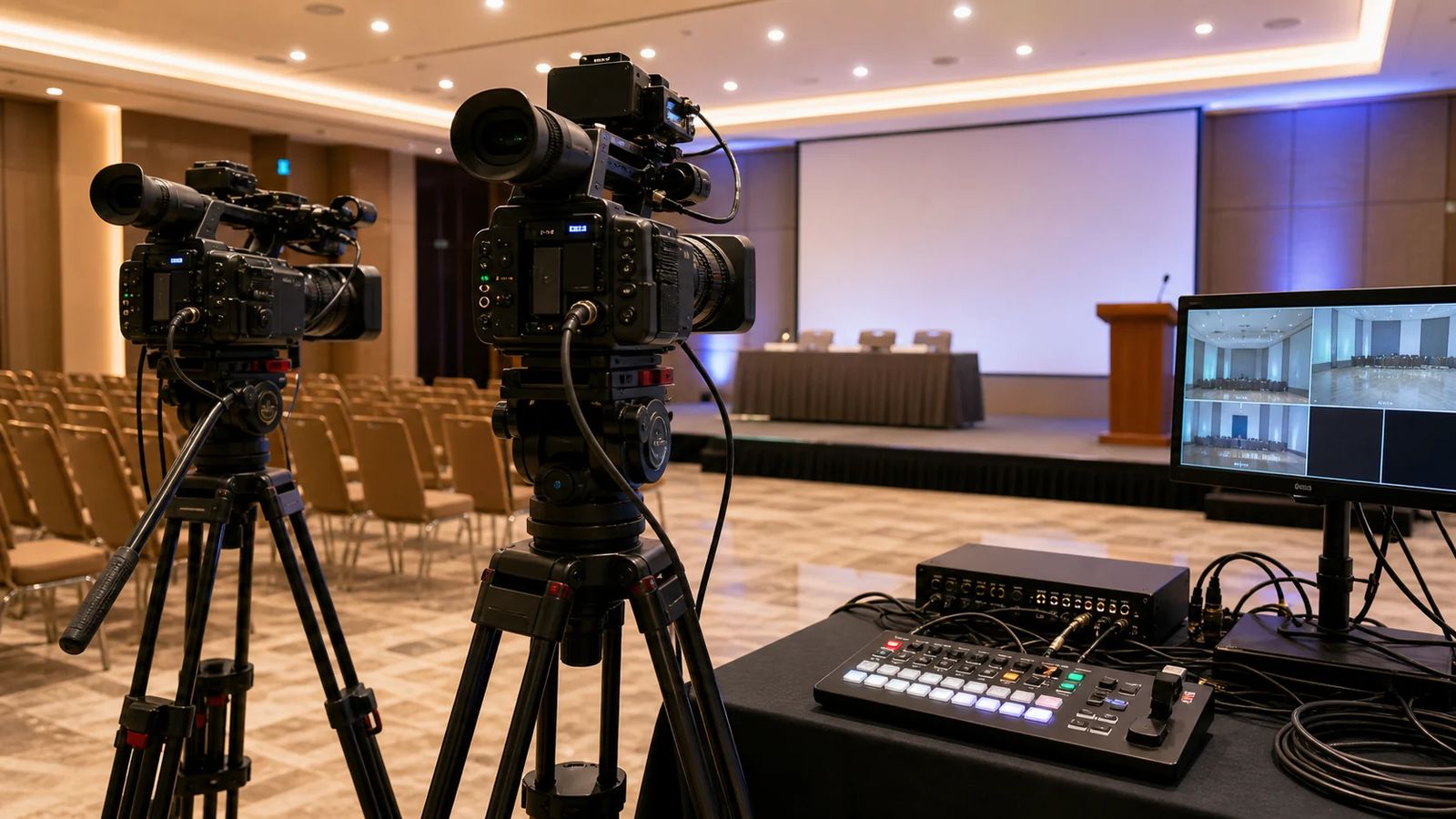
We work with Blackmagic Design equipment, an industry standard in production and broadcast that lets us build a compact live production set-up and take it anywhere.
ATEM vision mixer
The heart of the set-up. It takes in all the cameras and computer sources, lets us cut and dissolve between them, create picture-in-picture to show the speaker alongside their presentation, and send the programme to several destinations at once.
Cameras on tripods
Positioned to cover the action: a wide shot of the stage, a close shot of the lectern and a third for the audience or the panel table. All run at the same resolution and frame rate.
SDI connection
The cameras connect to the vision mixer over SDI, which handles long cable runs with thin cable and no signal loss. That's why we can place a camera at the back of a large hall without any problems.
Monitoring and multiview
The director sees all the cameras at once on a single monitor, with programme and preview highlighted. Without multiview you can't cut with any judgement.
Camera control
From the control position we adjust the cameras' iris and white balance so the colours all match. A cut between two cameras with different colour temperatures really stands out.
Graphics and content
Speaker name and job title, section titles, transitions and logo. The client supplies the design and we integrate it into the vision mixer.
Recording
Programme and ISO: two different recordings
What ISO recording is
The programme is what was produced live: the sequence of shots exactly as it went out. ISO (isolated) recording is a continuous record of each camera separately, from the start of the event to the end. With the programme you have a video ready to publish the same day; with the ISOs you have complete freedom to cut a different version afterwards, fix a cut that came too early or put together a highlights reel.
When to ask for ISO
If the video is going to be edited afterwards, always. If you only need the live feed, it isn't necessary and you save storage and transfer time. Our recommendation for conferences and corporate events is to record both: the extra cost is small and the difference when editing is huge.
The recording's audio
Just as with streaming, the sound isn't taken from the camera microphone. It goes into the vision mixer from a clean feed off the mixing console, using the event's microphones. That's what separates a video people watch from one they can't sit through.
Where we set up
Types of event that call for live production
Not every event needs it, but these almost always end up doing so.
Conferences
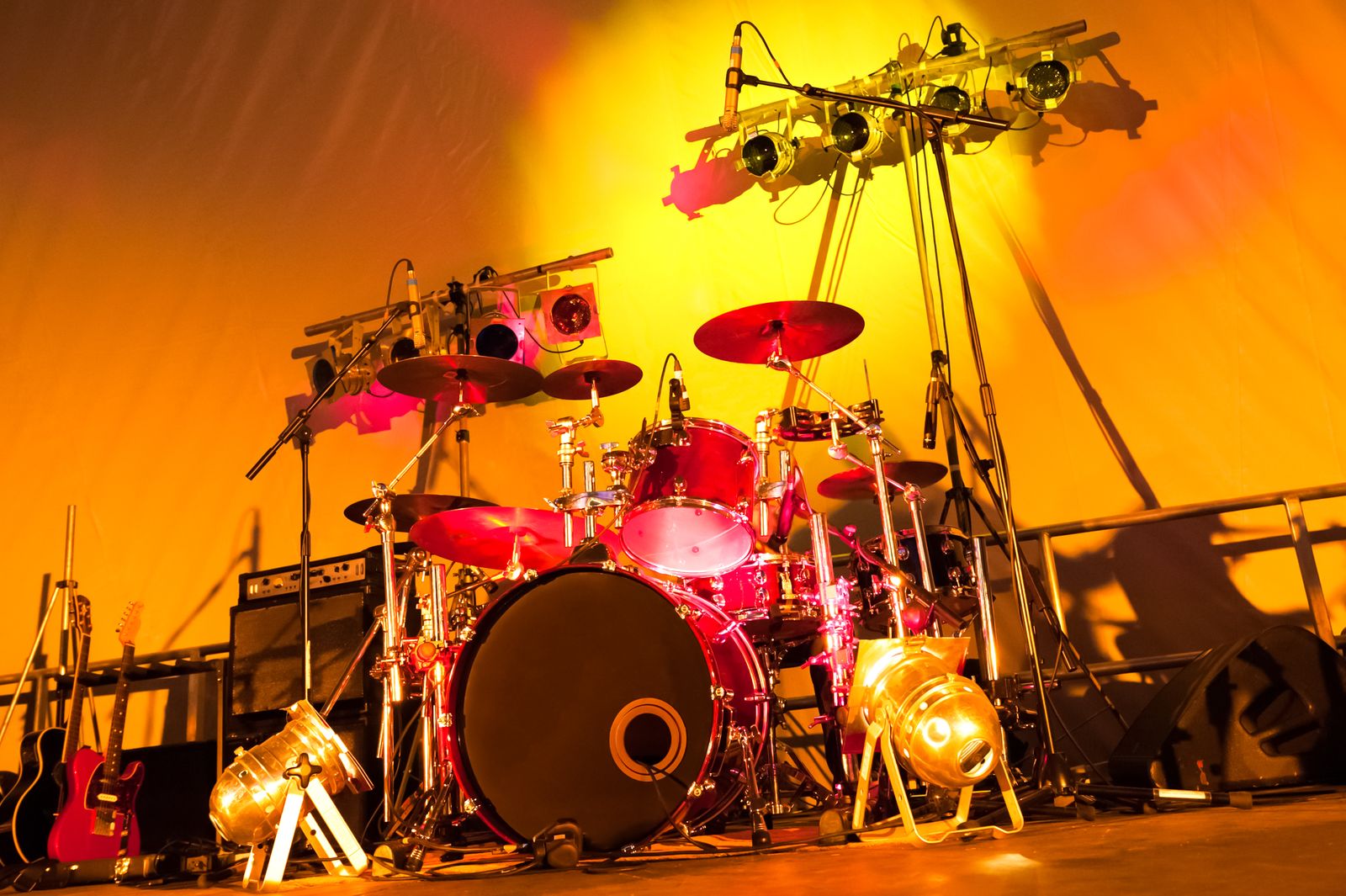
Conferences and seminars
Speaker and presentation alternating on screen, name and job title captions, and recording of every session.
View details
Business
Corporate events
Board meetings, product launches and conventions that are later edited for internal use.
View details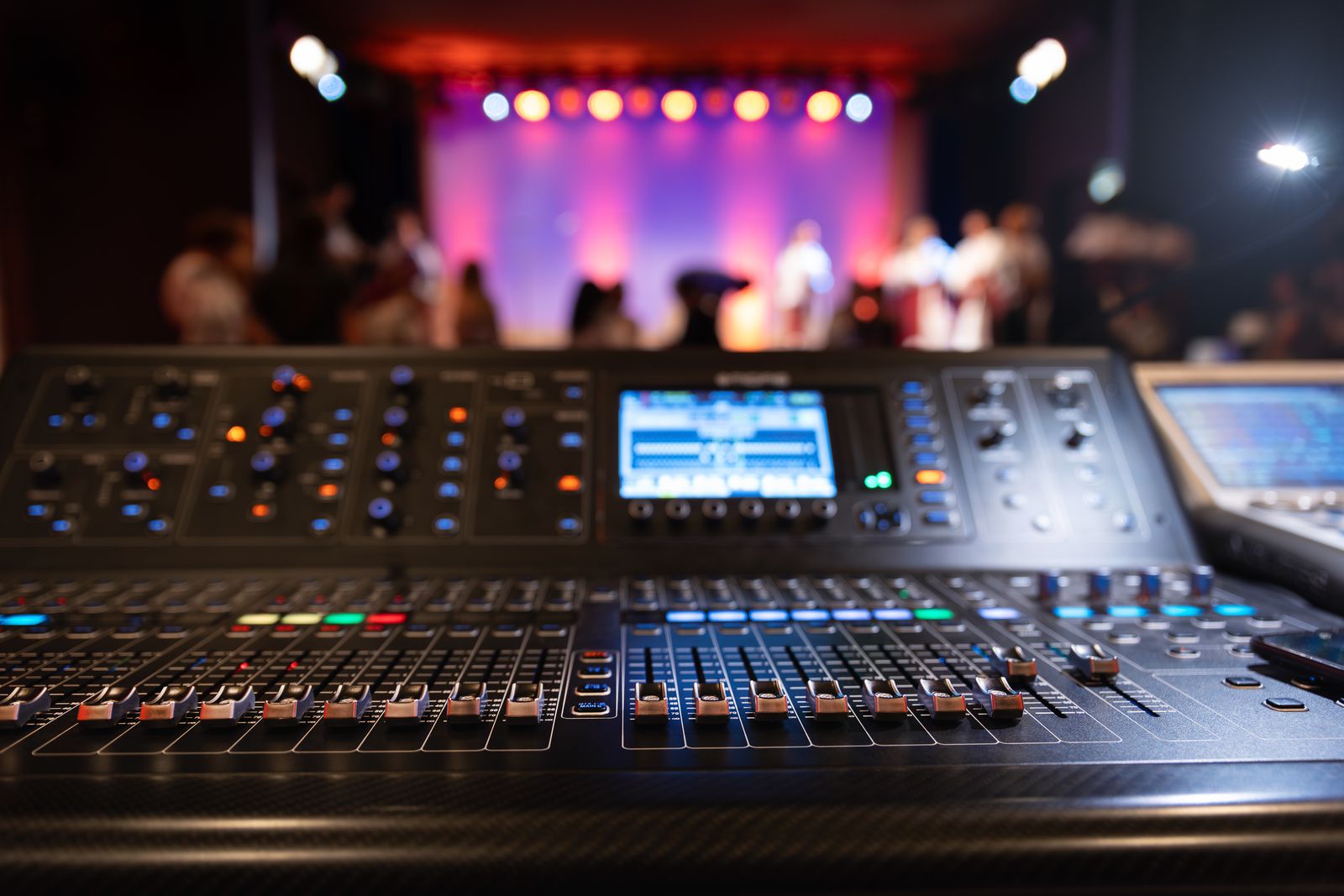
Live music
Concerts and festivals
Image magnification on side screens so the audience at the back can see the stage.
View details
Institutional
Institutional events
A clean feed for the press, broadcast and the event archive.
View details
How we work
From technical script to file delivery
Event running order
Send us the agenda: who speaks, when there's video, when the awards are presented. That tells us where the cameras go.
Camera positions
A site visit or a floor plan of the room. We look for positions that don't disturb the audience or appear in another camera's shot.
Set-up and cabling
Tripods, SDI cable runs, the production desk and an audio feed from the event's mixing desk.
Colour matching
We match the cameras to each other before we start, under the actual lighting that will be used during the event.
Rehearsal
A run-through with the speaker if possible, or at least with the presentation and graphics loaded.
Live production and file delivery
We produce live and, when it's over, hand over the programme and the isolated recordings.
Need live video production for your event?
Send us the running order and the floor plan. We'll tell you how many cameras you need and where they go.
Related services
What it pairs with
Frequently asked questions
Multi-camera live production FAQs
What's the difference between live production and streaming?
Live production creates the programme with cameras and a vision mixer; streaming broadcasts it over the internet. You can book live production on its own (for recording or to put the picture on the room screen) or both together, which is the most common option.
Why Blackmagic equipment?
Because ATEM vision mixers and their video chain are a widely used production standard: they integrate with any SDI or HDMI source, allow programme and ISO recording, and send the signal to screens and to the stream at the same time without complicating the set-up.
How many cameras are needed?
Two for a talk or an awards ceremony. Three for a conference with a panel discussion and a presentation. Four when there's a wide stage, an audience to cover or choreography. More cameras means more set-up and more preparation time, not just more equipment.
Can you integrate a feed from another production company or a drone?
Yes, as long as it delivers a standard video signal over SDI or HDMI. It connects as just another input on the vision mixer. It needs to be coordinated in advance to match resolution and frame rate.
Can the programme be sent to the event screen?
Yes, that's one of the main uses. The same programme goes to the stage LED screen, to the monitors in overflow rooms and, if booked, to the internet stream.
How much set-up time do you need?
Between three and five hours for a three-camera production including cabling, colour matching and rehearsal. If the event starts first thing in the morning, we need to set up the afternoon before.
Quote
Get a quote for live video production
With the running order, the venue and where the video is going, we'll prepare a tailored proposal.
Video
Screens, projection and control
The video equipment and the control position it is operated from during the event.
